

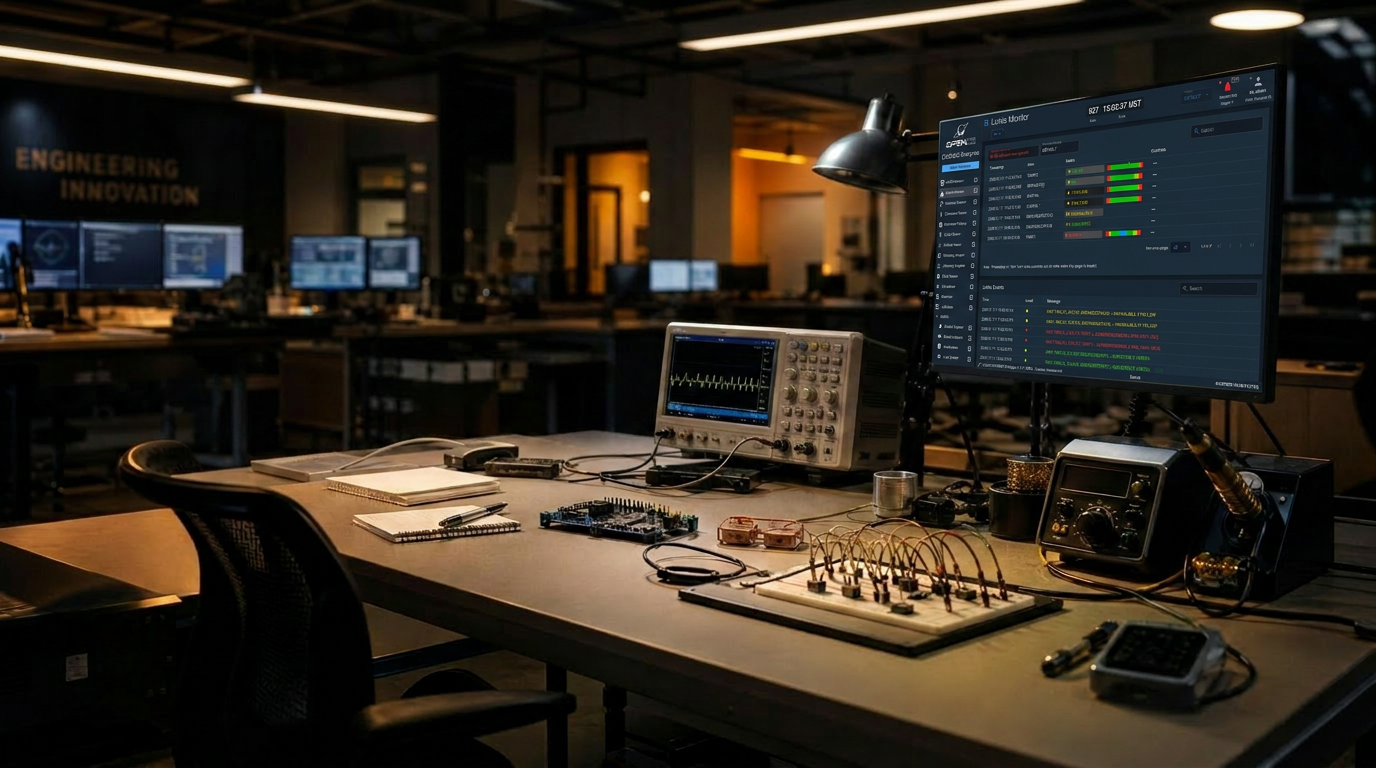
Free. Open-source.
Flight-proven.
COSMOS Core is the de facto standard for command, control, and test of real hardware — from CubeSats and ground stations to drones, test benches, and full constellations. The same engine the primes use to prototype. Free, forever.
Everything you need to talk
to real hardware.
Six capabilities that ship in the open-source release. No tiers, no feature flags, no asterisks.
Hardware integration
Test equipment, flight computers, simulators, cameras, antennas, robotics. Serial, TCP, UDP, HTTP, MQTT, CCSDS — and any custom protocol you can describe.
Telemetry decom & dashboards
Decommutate at line rate. Build mission consoles in minutes. Limits, derived items, custom widgets, all live.
Script Runner
Author procedures in Ruby or Python with a real step debugger, breakpoints, and a live telemetry view. Run them headless in CI when you're done.
Test Runner
Group scripts into suites. Parameterize, repeat, and gate on telemetry. Reports drop out the other side — the same ones programs hand to certifiers.
Logging & replay
Every packet, every command, every operator action. Replay any minute of any test against the same screens that flew it.
Plugins & OpenC3 Store
Fakesat, power distribution, drones, space weather, demo missions — one click to install. Build your own with the plugin SDK.
$ git clone https://github.com/OpenC3/cosmos-project
$ cd cosmos
$ ./openc3.sh start

→ pulling images ......................... ok
→ starting redis / minio / traefik ....... ok
→ COSMOS up at http://localhost:2900

cosmos> target load INST
→ INST loaded · 12 packets · 47 commands

cosmos> cmd("INST COLLECT with TYPE NORMAL, DURATION 1.0")
→ sent · 2026-06-18T22:14:07Z · acked in 38msFrom clone to first command
in under five minutes.
Docker on a laptop is enough. The same containers run on a developer workstation, an air-gapped lab box, or a CI runner — without code changes.
If it talks, COSMOS talks to it.
Every COSMOS target is a small adapter on top of a transport. Use the built-ins, or describe your own bytes-on-the-wire in a few dozen lines.
- SerialRS-232 · RS-422 · RS-485
- TCPClient + server
- UDPUnicast · multicast
- HTTPREST + streaming
- MQTTBrokered telemetry
- CCSDSTC / TM framing
- CustomWrite a Ruby/Python interface
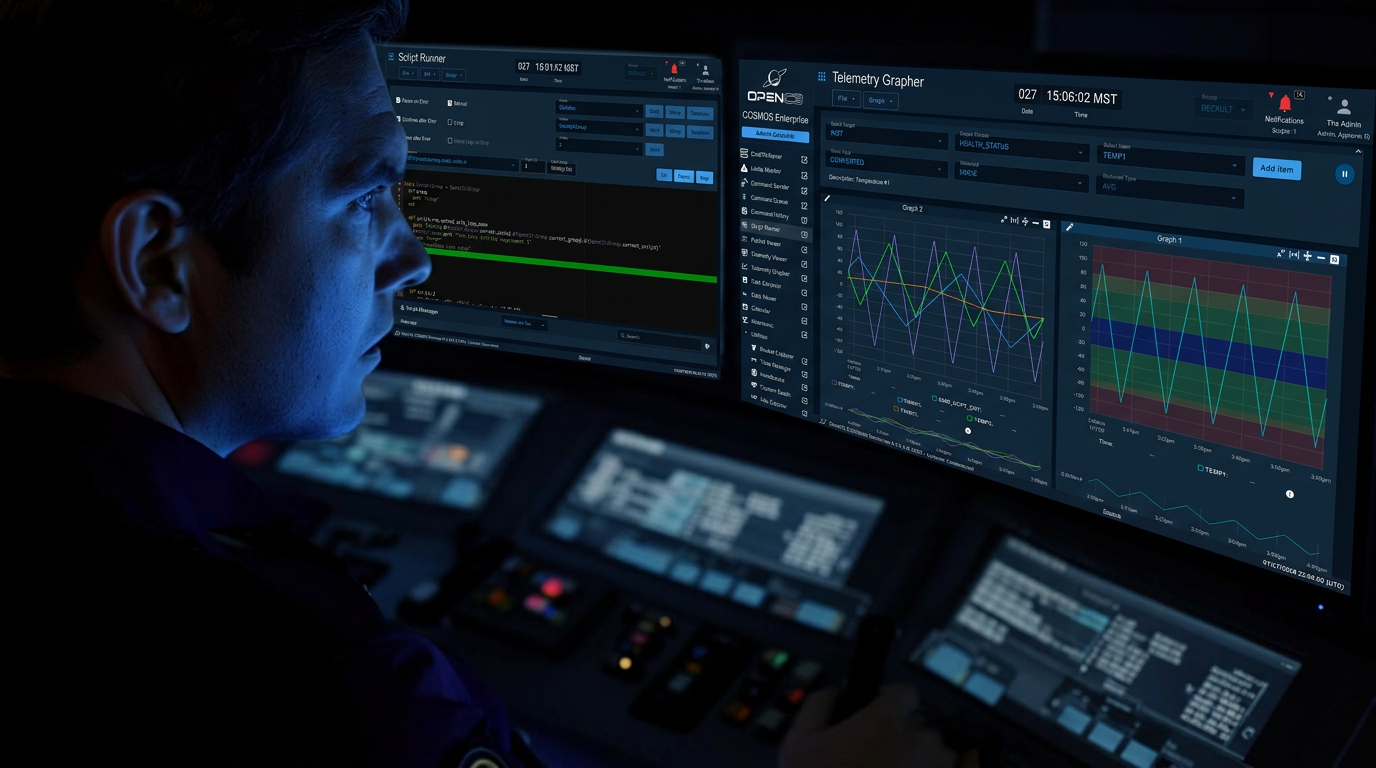
Mission consoles built in minutes.
Telemetry Viewer renders limits, plots, value tables, indicators, and canvas widgets out of the box. Bind any widget to any item and you have a console. Need something the built-ins don’t cover? Ship a custom React widget through the plugin SDK and it shows up in the palette like everything else.
- · Telemetry Viewer
- · Command Sender
- · Limits Monitor
- · Data Extractor
- · Packet Viewer
- · Custom widgets
Procedures
that read like prose.
Script Runner is what makes COSMOS the test bench engineers actually use. Calls map 1:1 to commands and telemetry, so a procedure stays legible to the systems engineer who wrote it.
- Ruby and Python — pick per script, mix per program
- Step debugger with breakpoints, watches, and live telemetry
- Test Runner suites with parameterization and pass/fail gates
- Headless execution for CI, regression runs, and overnight soaks
- Procedures versioned in git like the rest of your code
# collect.py — INST instrument calibration
cmd("INST COLLECT with TYPE NORMAL, DURATION 1.0")
wait_check("INST HEALTH_STATUS COLLECTS == 1", 5)

for temp in range(0, 40, 5):
    cmd(f"INST SETTEMP with TEMP {temp}")
    wait_check(f"INST PARAMS TEMP == {temp}", 10)
    check_tolerance("INST ADCS NOISE", expected=0.0, tolerance=0.05)

puts "calibration complete · 8 samples logged"A real ecosystem, not a sample folder.
Core ships with demo targets and simulators you can wire up in an afternoon, plus the plugin SDK every Enterprise integration is built on.
Built in the open, with the people using it.
OpenC3 / cosmos
OpenC3 Builder's License. Issues, PRs, releases — the whole development happens in the open.
docs.openc3.com
Installation, target definitions, command/telemetry syntax, scripting API, plugin SDK — versioned with the releases.
GitHub Issues
Ask questions, share configs, follow the roadmap. Core team and community engineers both hang out here.
The honest line between Core and Enterprise.
Core is enough for an entire I&T campaign. Enterprise is what programs adopt when many people, many environments, and many missions hit the same install.

 (Open Source)
The questions we get on every intro call.
Is COSMOS Core really free?+
Do I need Docker?+
Can I use it commercially?+
How is Core different from Enterprise?+
Where do I get help?+
Will my Core configs work in Enterprise?+
Clone it. Run it.
Send your first command tonight.
OpenC3 Builder's License. No license keys, no seat counts, no sales call. Just a git clone away.