

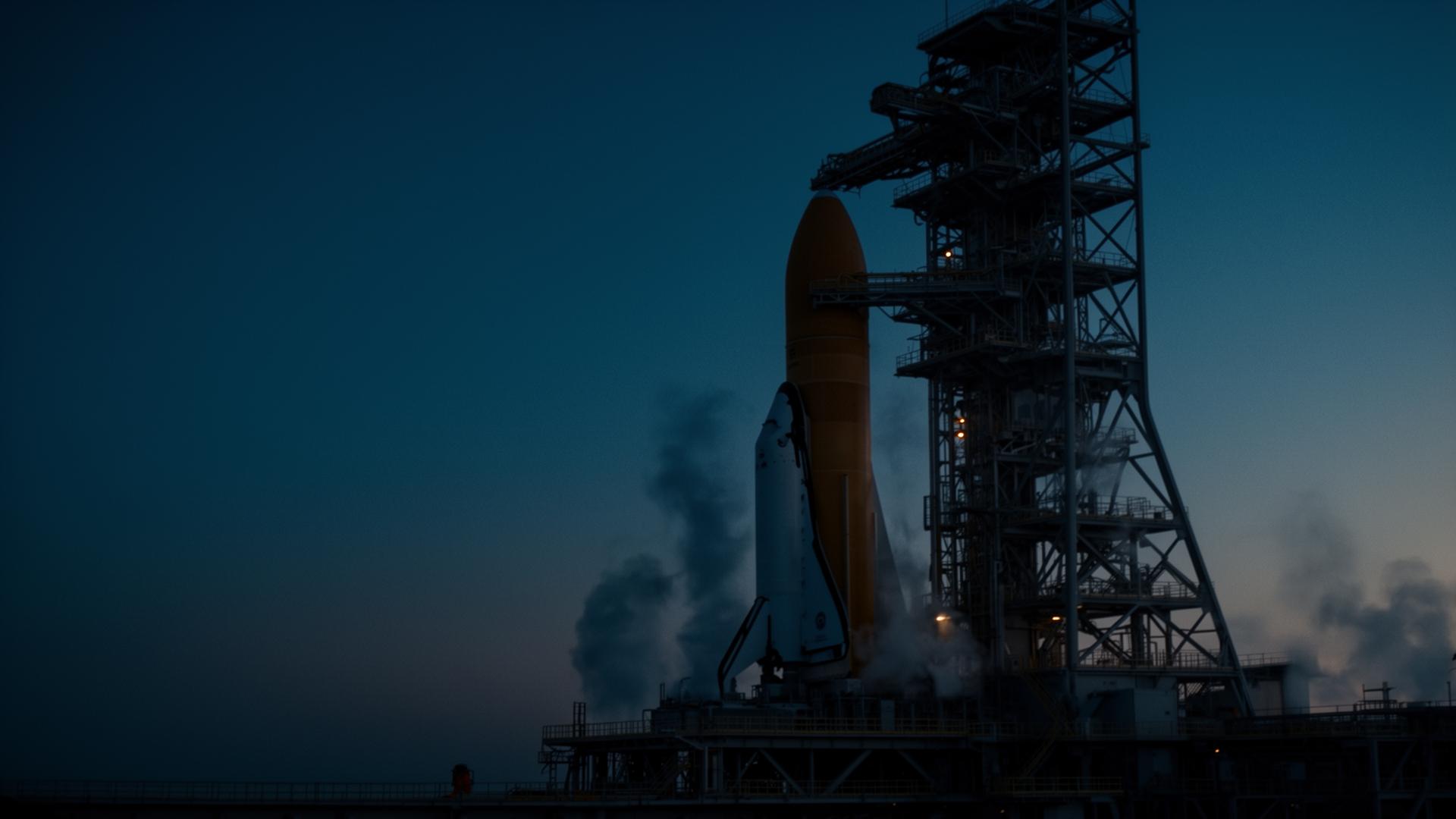
One ground system,
from setup to steady-state.
Ops floors that don’t reinvent the wheel between I&T and flight. The same COSMOS that drove your test rig runs your contact passes, your LEOP timeline, and your steady-state mission ops.
The ground segment, assembled.
No ops-tool assembly required. Point COSMOS at your antenna chain, load your mission config, start running passes.
Telemetry & commanding
Decommutate at line rate. Type-checked commands, full replayable history of every pass.
Pass scheduling & timelines
Contact windows, planned activities, holds, and go/no-go gates — COSMOS works with your mission planning and scheduling
Closed-loop automation
React to limits without paging a human first. Routine passes run themselves; humans handle the exceptions.
Distributed logging
Every packet, every command, every operator action. Long retention for trending and post-pass analysis.
Security & compliance
SSO, RBAC, audit, FIPS-ready, air-gapped and classified-site deployments approved for programs of record.
Replay any minute
Scrub any contact down to the packet. Anomaly investigation that takes minutes instead of weeks.
From pass plan to post-pass report.
Plan the pass
Contact windows, planned activities, procedure freeze, go/no-go gates — all in the same project as flight config.
Acquire signal
Antenna handoff, lock indicators, modem state, link budget — surfaced on one console for every operator on shift.
Command & monitor
Type-checked commands with limits-driven holds. Procedures run from the same Script Runner your I&T team used.
Anomaly response
Alarms route to the right console. Closed-loop automation handles the routine; humans handle the exception.
Post-pass replay
Every packet logged. Replay any minute of any pass for trending, anomaly review, or the shift handoff.
One platform. Four stages. Growing tempo.
From the day the antenna goes up to the thousandth routine pass — the same COSMOS commands every stage. Configs move forward as the mission moves forward.
Stand up the ground segment on the config you already proved.
Antennas, modems, network paths, COSMOS baseline — carried forward from I&T. No re-derivation of packet definitions, limits, or screens for the ops floor.
- Antenna and modem integration via existing protocol drivers
- Network and security baseline (SSO, RBAC, audit) wired on day one
- Packet, command, and limits dictionaries reused from I&T as-is
- Ops screens forked from the test screens engineers already trust
Time-to-first-pass measured in weeks, not quarters.
Rehearse on the system that will actually fly.
Sims, rehearsals, contingency timelines, and operator training all happen inside the same COSMOS install — with the same procedures and screens that will run the contact.
- Hardware-in-the-loop and simulator integration for end-to-end rehearsals
- Procedure freeze with version-controlled script suites
- Multi-user training scopes isolated from the flight environment
- Contingency timelines validated against captured anomaly data
Operators step onto console fluent in the exact system that flies.
Hold LEOP without a war room of bespoke tools.
Real-time pass console, anomaly capture, hot handoffs between shifts, direct line to the engineers who built the platform — all on one product.
- Real-time multi-operator console with role-aware command authorization
- Every packet, every command, every shift handoff captured
- Direct engineering support during critical contacts
- Replay-driven debrief between every pass
LEOP runs on the same product the team has been living in for months.
Steady-state ops without steady-state burnout.
Automation handles the routine passes. Long-retention logging powers trending. Scopes isolate missions on a shared install so adding the next bird is a config change, not a procurement.
- Headless automation for routine, repeating contacts
- Long retention for trending, anomaly forensics, and audit
- Multi-mission scopes on one install — no duplicate stacks
- Plugin SDK for mission-specific dashboards and widgets
Adding the next mission is configuration, not a new ground system.
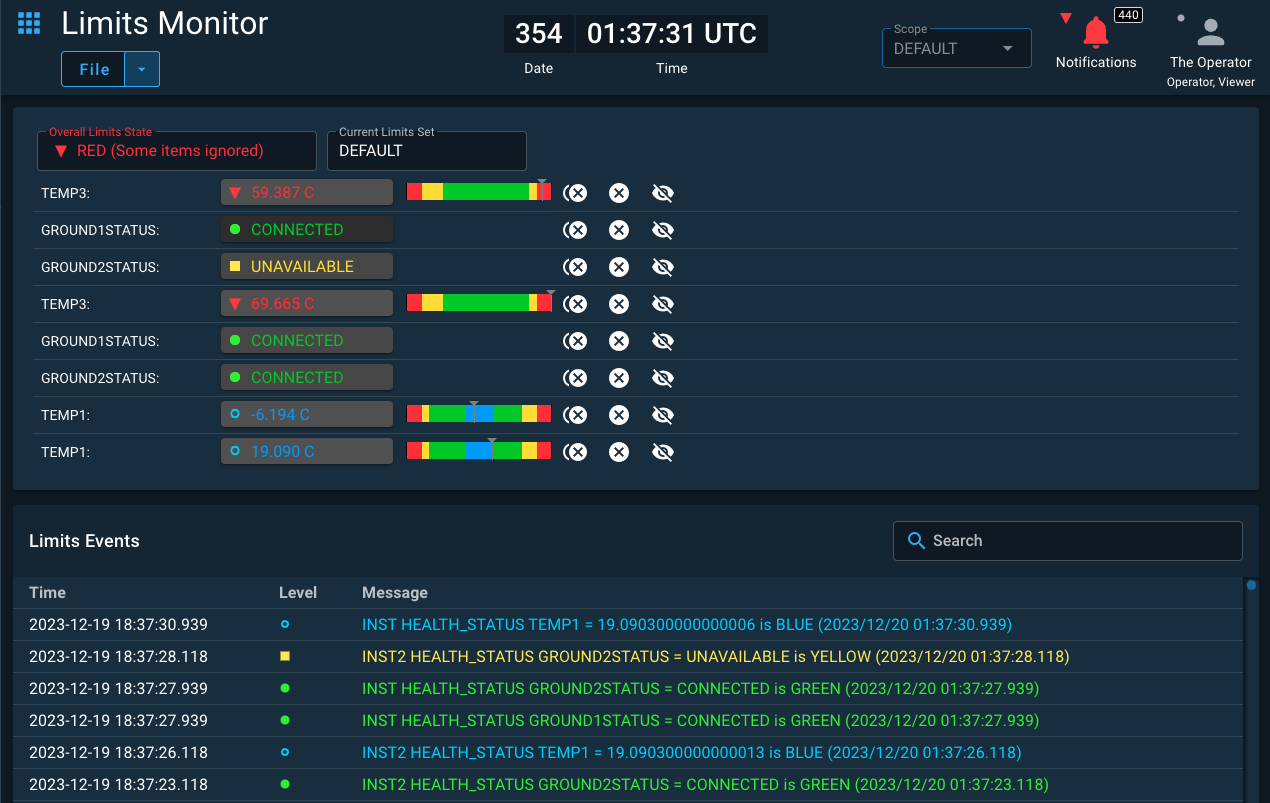
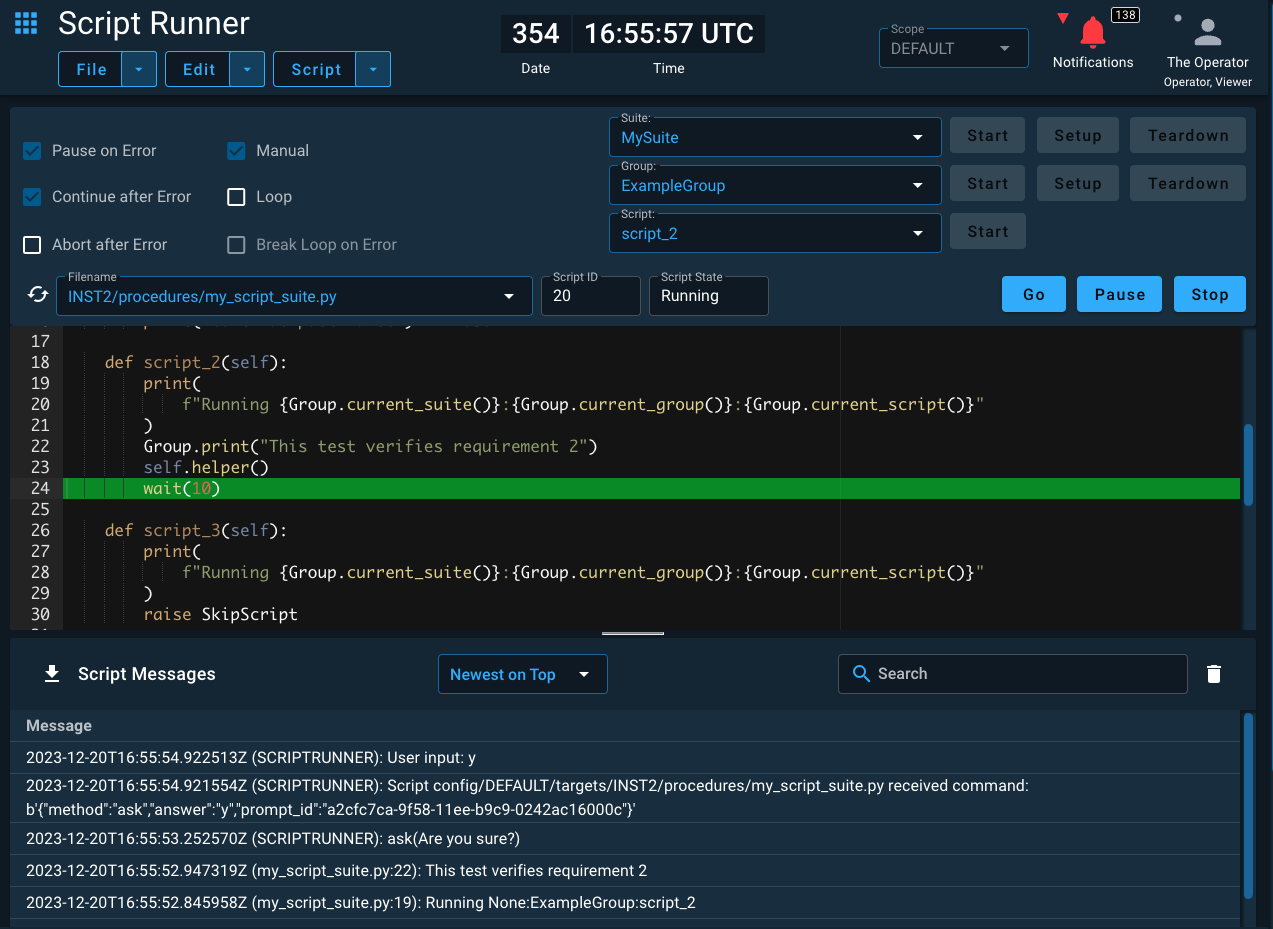
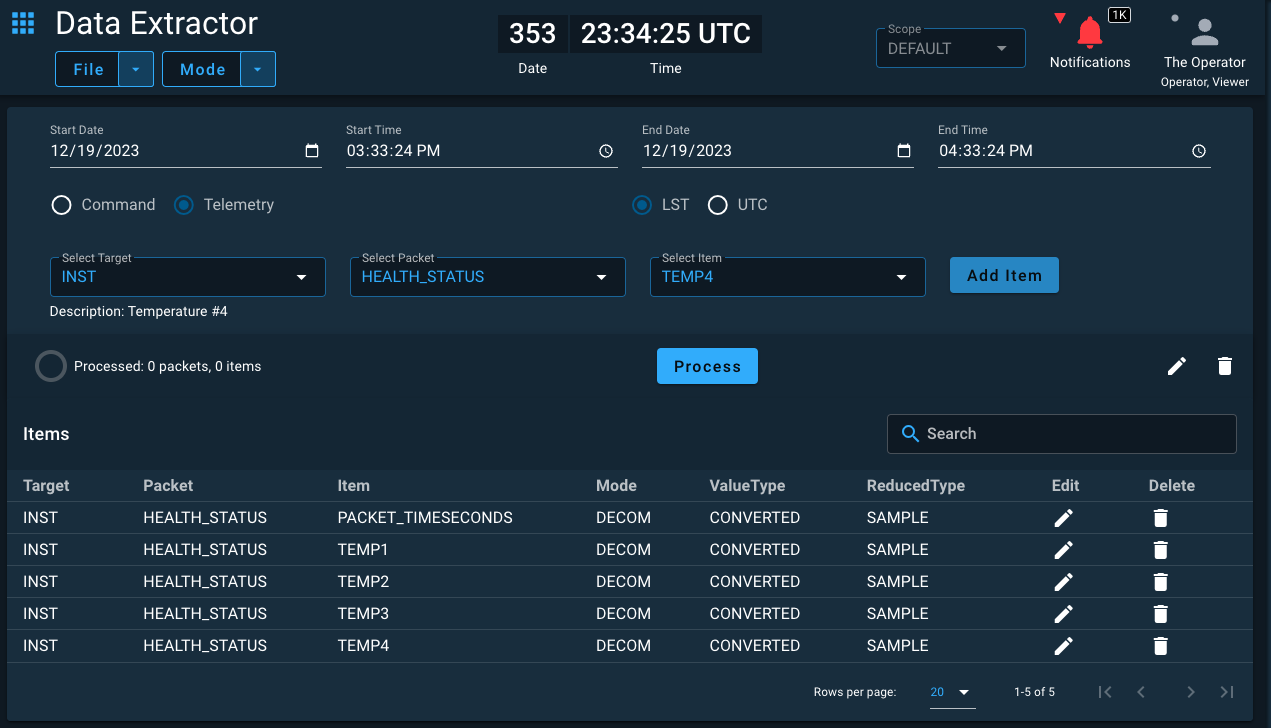
The view operators actually use during a contact.
Build the layout once; share it across every operator on shift. Swipe through the surfaces your team lives in during a pass.
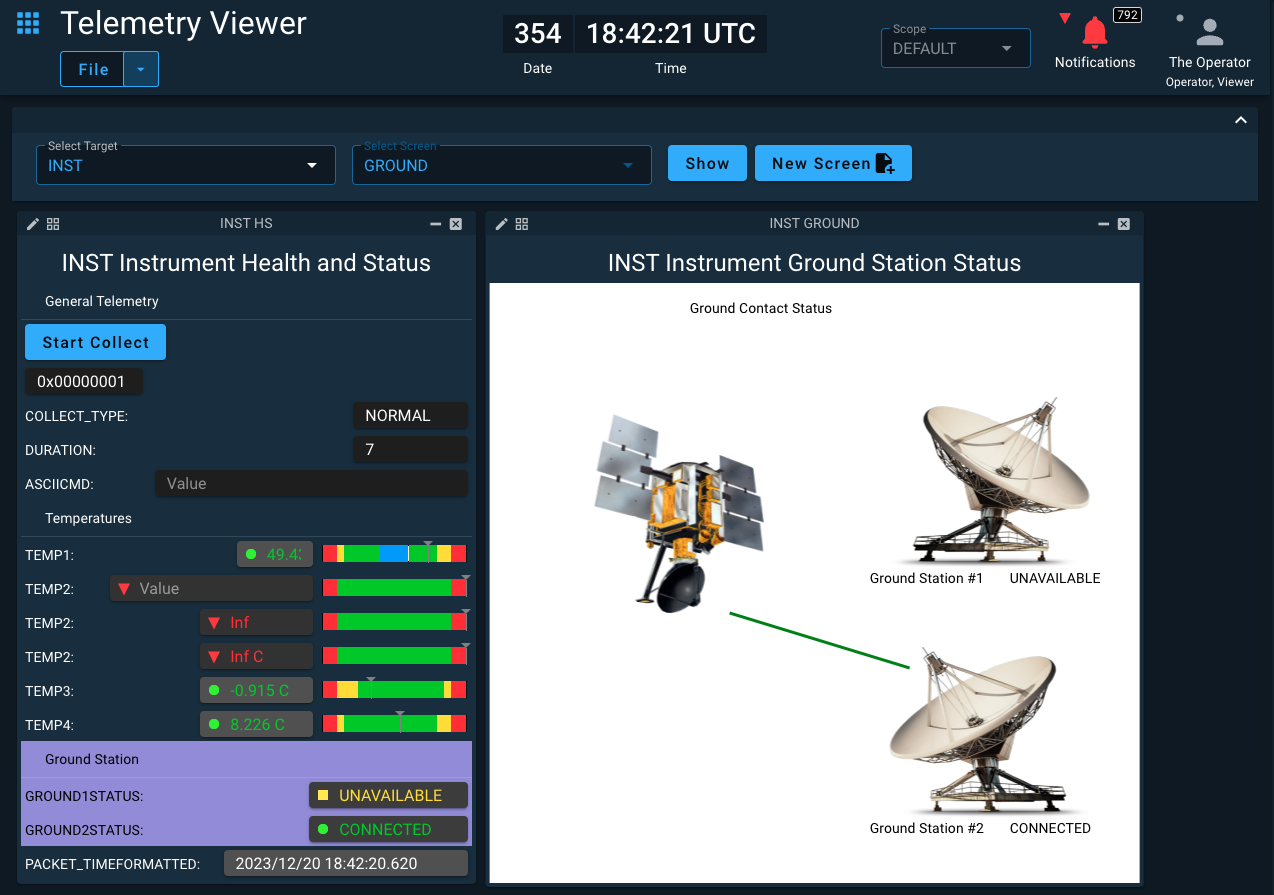
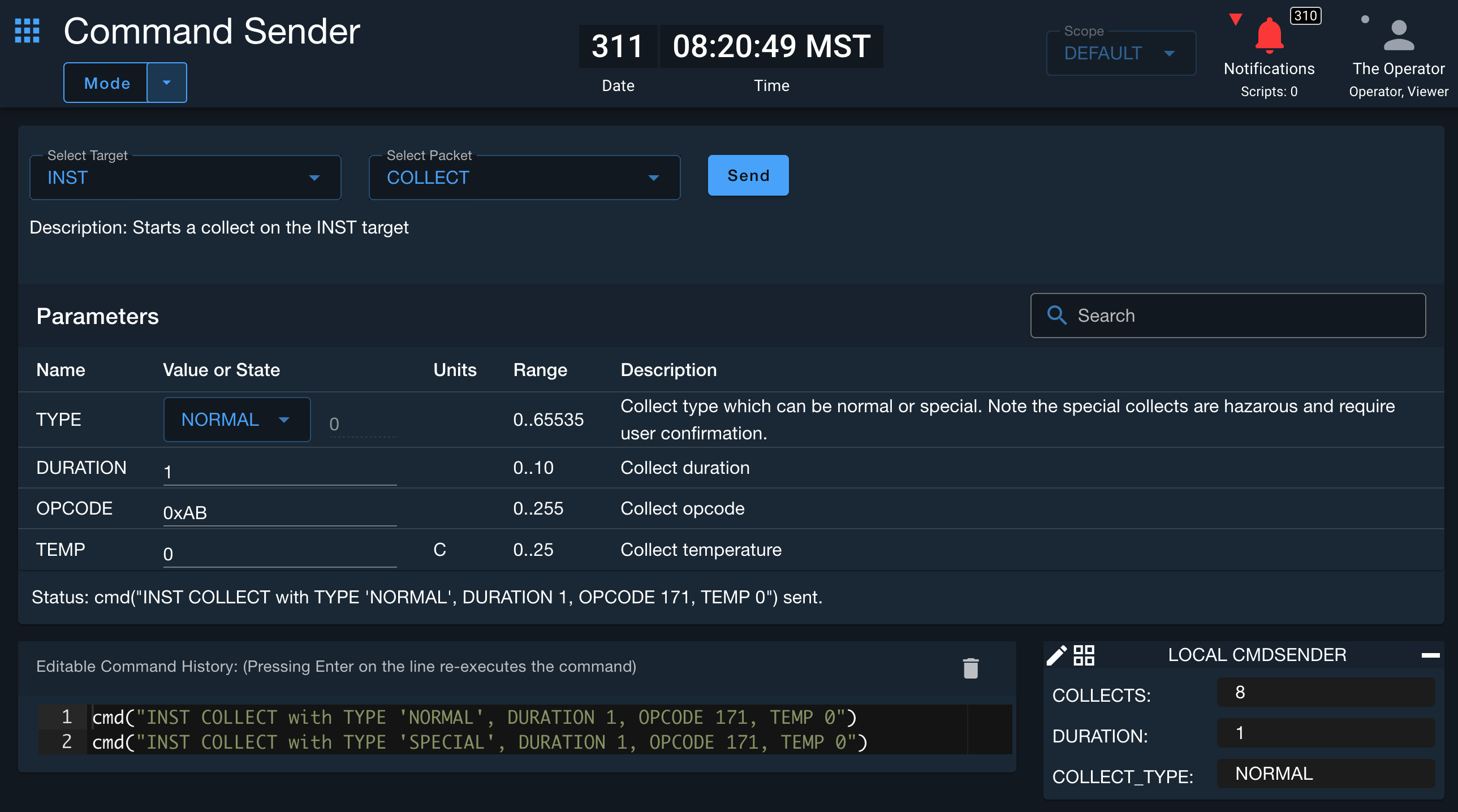
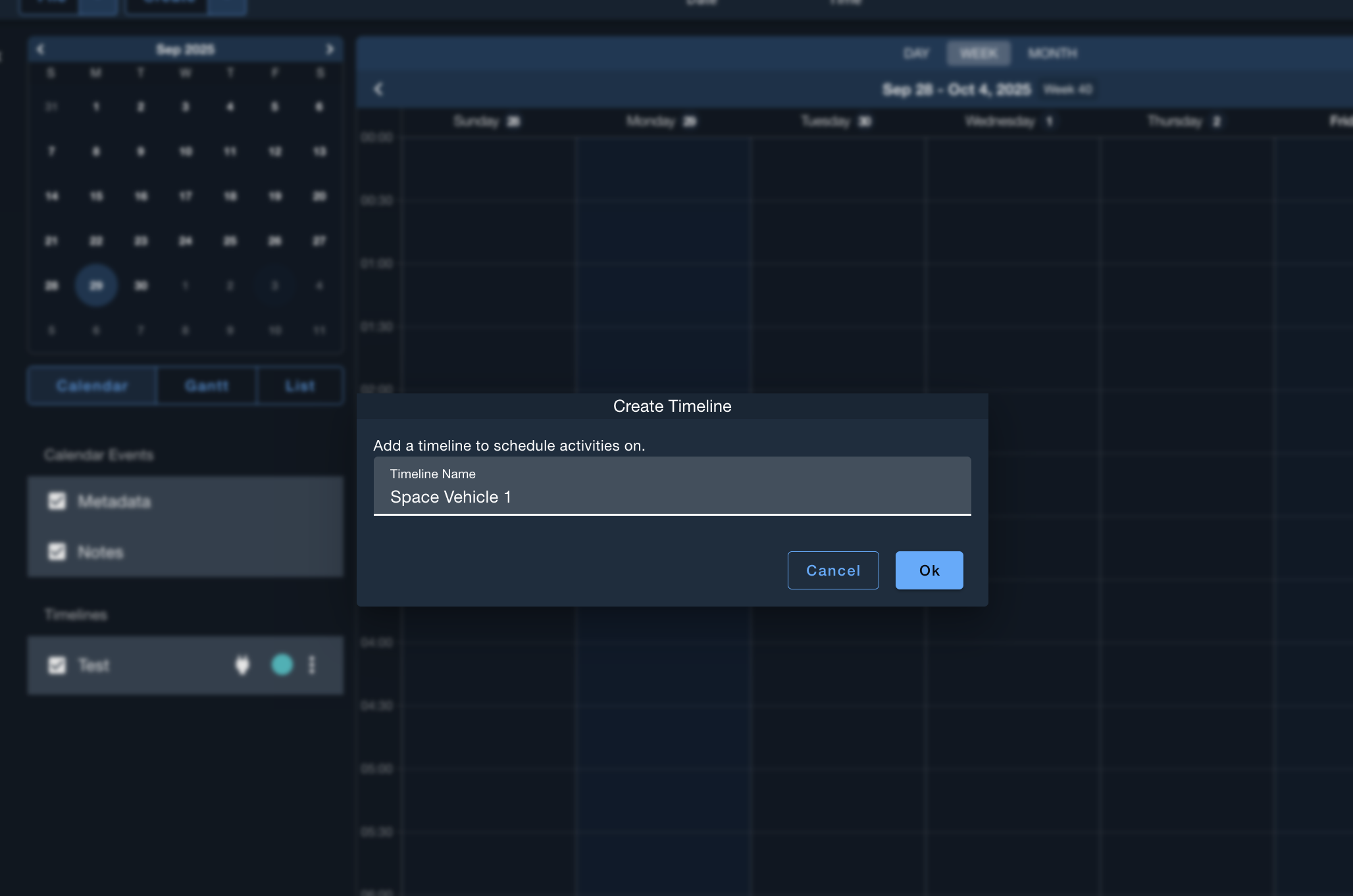
Routine passes that run themselves.
Ruby or Python. The same Script Runner your I&T team used. Procedures branch on telemetry, hold on limits, escalate when reality drifts — so the operator on console handles exceptions, not the checklist.
- Limits-driven holds with operator-acknowledged release
- Procedure suites with parameterized, version-controlled steps
- Headless automation for routine, repeating contacts
- Pager and alert routing scoped to mission and shift
# Nominal pass — acquire, dump SSR, hand off
wait_check("GND ANT_LOCK == 1", 60)
cmd("SAT MODE_NORMAL")
wait_check("SAT BATT_V > 27.0", 30)

# SSR dump with limits-driven hold
cmd("SAT SSR_DUMP_START with RATE_KBPS 8192")
hold_if("tlm('SAT SSR_REMAINING_MB') < 1", 600) do
  hold_if("SAT BATT_V < 26.0", "Battery sag — operator release required")
end

cmd("SAT SSR_DUMP_STOP")
puts "Pass complete · handing off to next station"One install.
Many missions.
COSMOS Enterprise scopes isolate missions, training environments, and rehearsals on a single install. Operators, roles, procedures, and screens are scoped per mission — the platform stays shared.
Adding the next bird is a config change, not a new procurement.
The configs you proved on the bench fly with you.
Most teams ship I&T tools to /dev/null the day before launch and start over for ops. With COSMOS, your packet definitions, limits, screens, and procedures move forward as-is. The team comes with them.
“We tell people all the time that the best way to use COSMOS is across the lifecycle. It's fantastic to see that pay dividends in practice for our customers.”
What you stop maintaining the day you adopt COSMOS.
Questions ops leads actually ask.
Can we run multiple missions on a single COSMOS install?+
How does COSMOS integrate with our antenna and modem vendors?+
What's the path from our I&T configs to flight?+
What about classified or air-gapped sites?+
How do we get help during LEOP?+
Open source or enterprise for ground ops?+
Run your next pass on COSMOS.
See a live COSMOS demo then get COSMOS built around your mission, your antenna, and your concept of operations.