


Production-grade.
Program-priced.
Everything in COSMOS Core, plus what programs of record actually need: multi-user accounts, RBAC, Kubernetes-scale, scheduling, automation, and direct engineering support — with no seat counts, node limits, or license keys.
The six things Core can’t do
on its own.
Built for multi-user production environments — labs, mission operations centers, classified programs, and constellations.
Multi-user accounts & RBAC
Admin, Operator, and View-Only built-in. Custom roles down to the packet. LDAP, SSO, audit — powered by Keycloak.
Kubernetes & cloud scale
Fan workers across a cluster on AWS or GCP. Redis shards, S3/GCS buckets, Terraform, Helm. No single-server ceiling.
Scopes & multi-environment
Run many labs, missions, or test rigs on one COSMOS install. Per-scope users, per-scope roles, hard isolation.
Calendar & Autonomic
Schedule passes, contacts, and scripts. Define triggers and reactions. Close the loop when reality drifts off the rails.
Enterprise plugin library
Full CFDP. CCSDS TC/TM. Leaf Space and KSAT Lite ground-station integrations. More shipping every month.
Direct developer support
Skip the queue. 40 hours included. Talk to the engineers who shipped the code you're running — not a tier-1 deflector.
Shared logins were never a security model.
Every engineer gets their own account, their own permissions, and their own audit trail. Lock view-only users out of commanding. Scope an operator to a single subsystem. Build custom roles down to the individual packet.
- Built-in Admin, Operator, and View-Only roles
- Custom roles with any permission combination
- Per-subsystem and per-scope access limits
- LDAP and enterprise SSO via Keycloak
- GatewayCOSMOS Enterprise API
- Workerssat-01 · sat-02 · sat-03 · … · sat-N
- ShardsHorizontal fan-out
- S3 / GCSPacket-log buckets
- KeycloakSSO / RBAC
Scale by adding workers,
not by adding licenses.
Enterprise runs the same COSMOS you know — fanned across a Kubernetes cluster shards underneath. Constellations of hundreds of targets on one install, with cloud-native buckets for packet logs that never roll off.
One install. Many environments.
Scopes carve a single COSMOS deployment into isolated environments — each with its own targets, users, and roles. Run multiple labs, programs, or simulation environments side by side without a second install.
- Hard isolation of targets, users, and roles per scope
- Stand up a new scope without redeploying COSMOS
- Per-scope audit log and packet history
- Mix prod, sim, and lab on the same install
when tlm("BUS BATT_VOLT") < 27.4 for 30.s
  run_script "safe_mode_enter.py"
  page :ops_lead, "Battery soft-undervolt"
endSchedule what should happen.
Automate what shouldn’t need you.
Calendar handles passes, contact windows, scripts, and notes — everything an ops team coordinates around a clock. Autonomic handles the reactions: triggers fire on telemetry, scripts respond, operators sleep through nominal nights.
- Schedule commands, scripts, and contacts via UI or API
- Notes and metadata pinned to time slots for the next shift
- Custom triggers on any telemetry mnemonic or limit event
- Reactions: run a script, send a command, page an engineer
Still building redundant connections? Install plugins instead.
Common space-systems protocols and ground-network providers, packaged as Enterprise-only plugins — supported, versioned, and shipped with monthly releases.
Built for every team flying hardware.
Explore how programs and roles across the industry deploy COSMOS Enterprise.
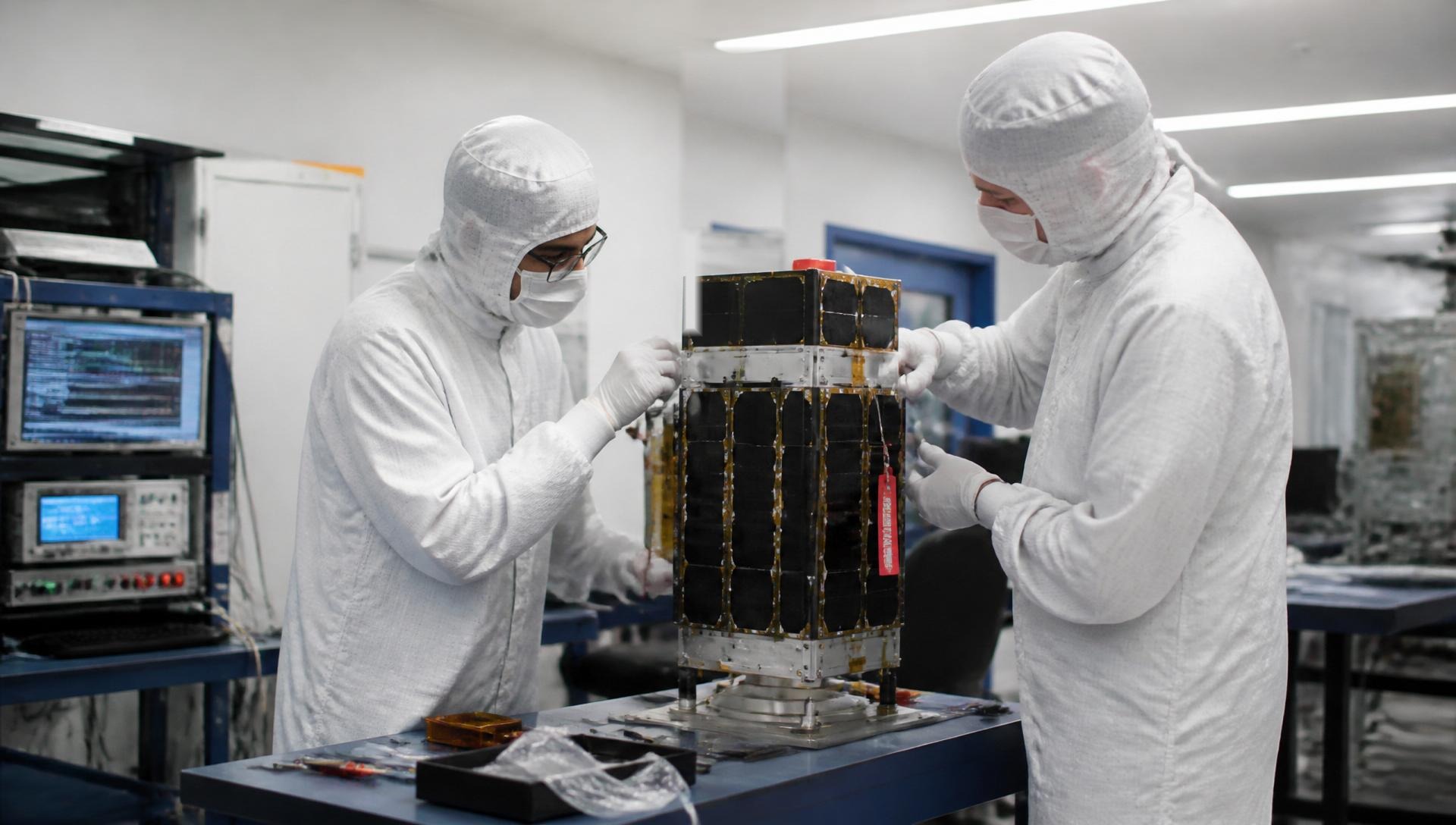
Satellite I&T
End-to-end integration, test, and verification for spacecraft.

Ground Software
Launch prep, mission ops, and ground data systems.

Drones & Defense
Command and control for UAVs, UGVs, and defense platforms.
Software Engineers
APIs, scripting, plugins, and CI/CD for aerospace dev teams.
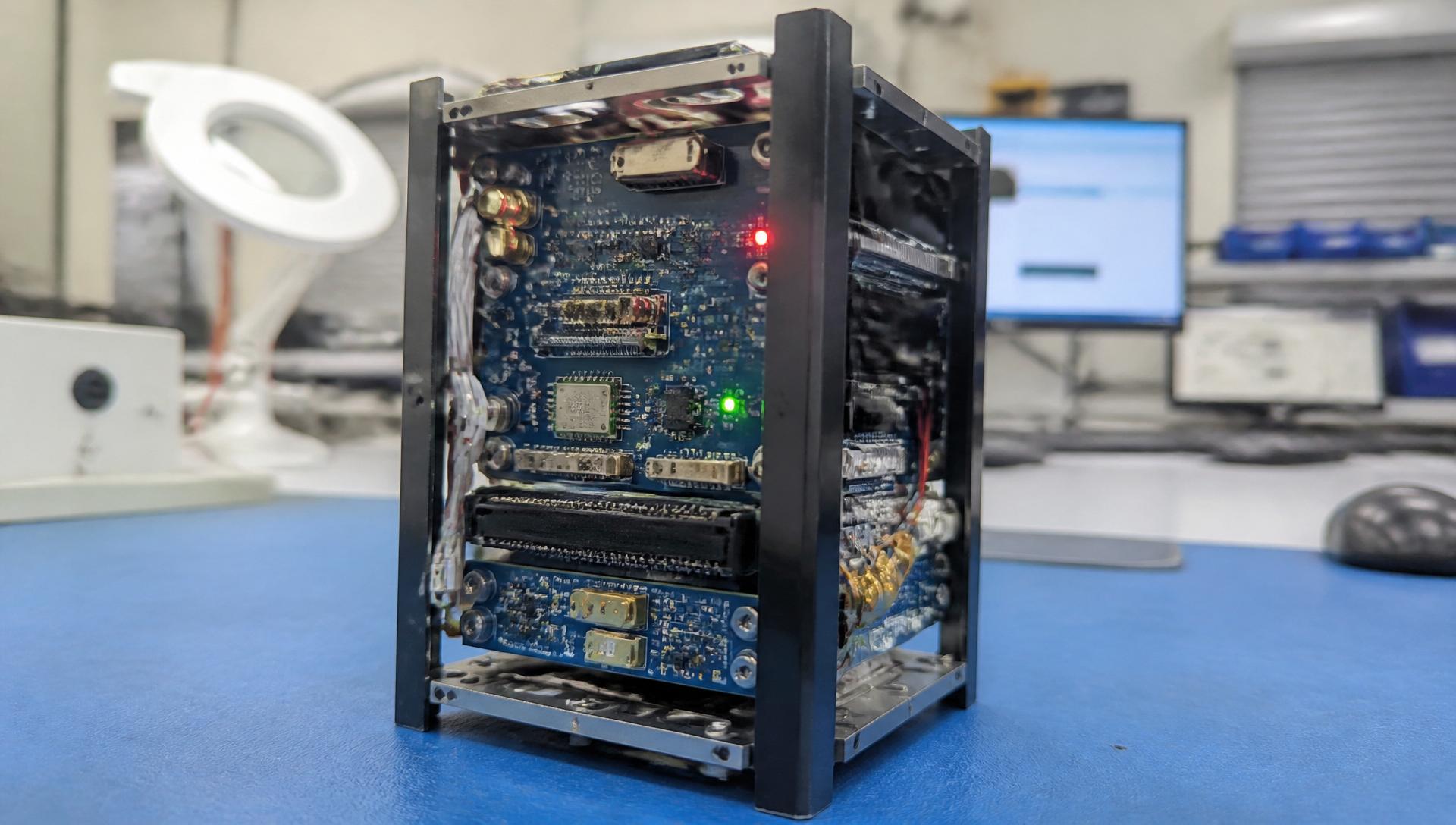
Systems Engineers
Requirements traceability, verification, and system modeling.
Executives & Managers
Program visibility, risk reduction, and mission assurance.
40 hours included
Every Enterprise subscription ships with 40 hours of direct engineering support per year so you never get stuck.
Same engineers who shipped it
There is no tier-1. You talk to the COSMOS core developers — the ones whose name is on the commit you’re asking about.
Monthly security & feature releases
Predictable cadence, signed builds, structured changelogs. Your program plans around it, not against it.
Direct access to the people
who wrote the code.
Deployable wherever the program lives.
Cloud, on-prem, classified, air-gap. Commercially licensed so legal doesn’t have to negotiate copyleft terms. RBAC, audit, and SSO baked in from day one.
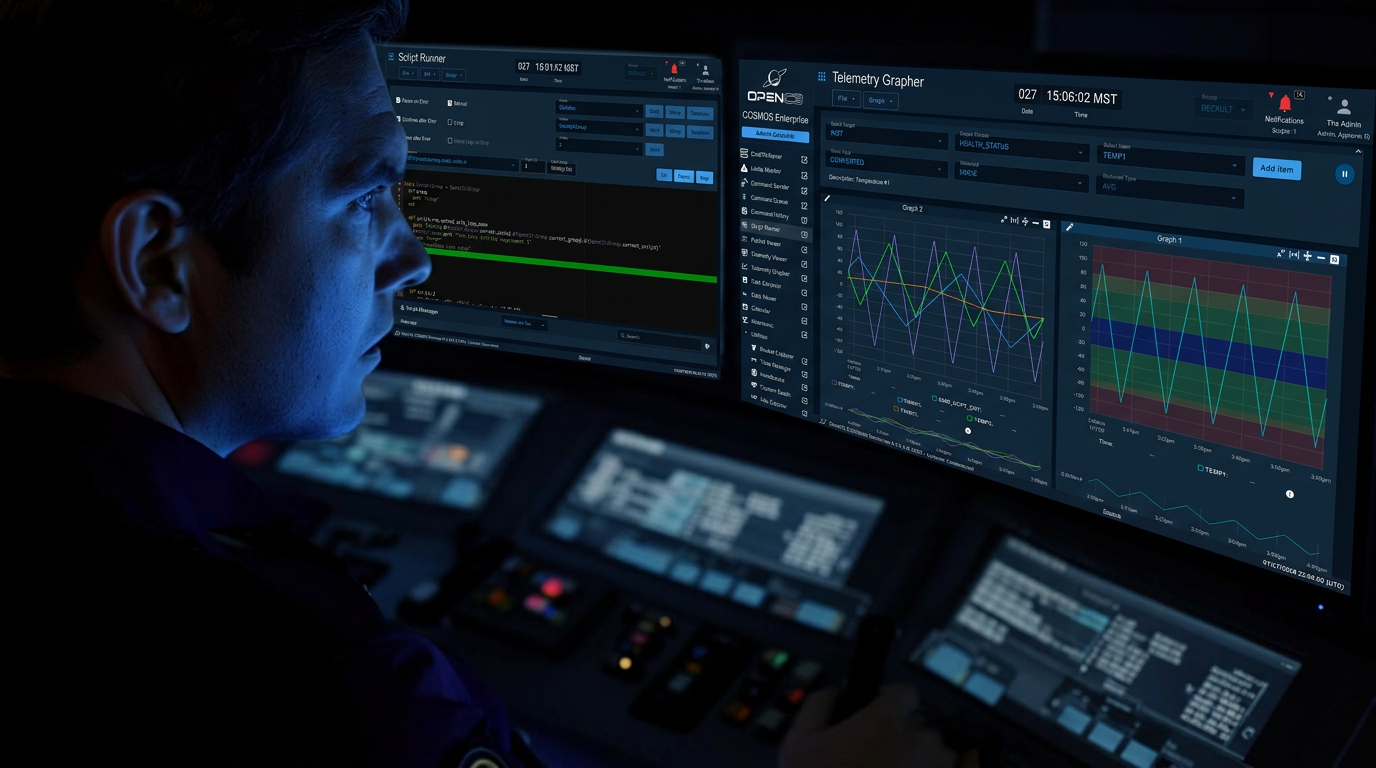
What you built in Core flies in Enterprise.
Packet definitions, limits, screens, scripts, and procedures move forward as-is when a program graduates from COSMOS Core in the lab to Enterprise in the mission ops center. No rewrite. No second tool to learn. The configs that proved the bird at I&T are the configs flying it on orbit.
- 01 · Subsystem I&T
- 02 · System I&T
- 03 · Launch campaign
- 04 · Mission ops
The full delta, in one table.
Core handles an entire I&T campaign. Enterprise adds the security, scale, and support programs need when many teams and missions converge on one platform.

 (Open Source)
Three ways to deploy COSMOS.
Headline pricing below — the full breakdown lives on the pricing page.
- Single space mission with up to five deployed satellites
- Automated I&T framework for high-volume satellite or drone manufacture
- Ground facilities such as an antenna site, RF range, or launch facility
- Building and operating a 1,000-unit spacecraft constellation
- Fleet-level operations for a single drone type
- Operating unlimited satellites or drones from any vendor as part of a mission operations center
*Prepaid and perpetual subscriptions available — contact us for details.
“There’s no such thing with COSMOS Enterprise. Engineers can just deploy and use COSMOS for everything on their program without having to buy more seats, or nodes, or networks. It’s an entire genre of friction and failure that simply doesn’t exist with us.”
Questions program leads actually ask.
Which Enterprise scope should we pick?+
Are there seat counts, node limits, or license keys?+
Where can we deploy it?+
How does support actually work?+
Can we upgrade from Core without rewriting anything?+
What about FedRAMP, ITAR, classified environments?+
See Enterprise running on your stack.
A 30-minute walkthrough with an engineer, mapped to your program’s deployment, scale, and security posture.