Tutorial Video - Master Hardware Control with COSMOS: How to Connect and Control a Power Supply
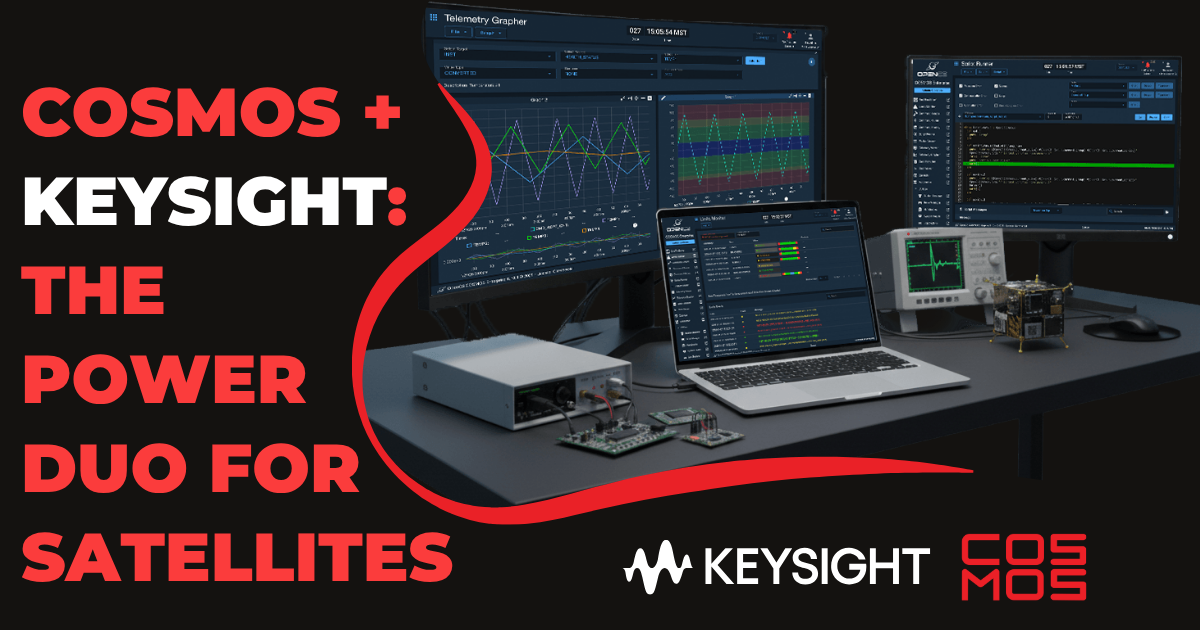
Ready to supercharge your testbench with COSMOS? Clay Kramp is back to help COSMOS users master hardware control by quickly connecting a Keysight N6700 power supply then walking us through how to monitor and control voltages, and how to process SCPI commands.
Clay proves that COSMOS is an integral part of any mission, whether you're managing complex satellite ground systems or automated test equipment.
✅ Features covered:
- SCPI Standard Deep Dive: Learn how SCPI commands allow for universal communication between COSMOS and test instruments
- Command Mastery: Leverage COSMOS to set current and voltage levels, measure real-time outputs, and configure system-level settings like display views and power limits
- Real-Time Monitoring: Watch COSMOS Telemetry Viewer in action, featuring custom screens with live graphs and status updates for all four power supply channels
- Advanced SCPI Pass-Through: Send direct SCPI commands (with or without response) for maximum flexibility
- Error Handling: Review how COSMOS captures and displays system errors, like out-of-range settings or undefined headers, ensuring your hardware stays safe
🔧 Tools used:
- COSMOS Enterprise by OpenC3
- Keysight N6700
- COSMOS Enterprise Plugins
- COSMOS Documentation: https://docs.openc3.com/docs
COSMOS provides a robust, user-friendly interface for any embedded hardware, making it the go-to command and control system for I&T and mission ops.
New to COSMOS? Get started TODAY by downloading open-source COSMOS for FREE
And stay up to date on the latest COSMOS and OpenC3 news by joining our mailing list!